Learn the Secrets toStunning Animations!
Craft Beautiful Animations: Your Journey to Motion Design Mastery Begins Here
Is this course for you?
See if you can relate.
Creative
This course is for anyone who loves being creative and wants to make things move on screen.
Improve
Whether you're just starting or already know a bit about this stuff, this course is built to help you learn and get better at animation.
Practice
If you're willing to practice and put in some effort, you'll see improvement. This course is all about learning by doing.
What to expect?
Our course is organized into easy-to-follow modules, so you can learn step-by-step and master each skill before moving on to the next.
Basics
What software do I use and how to setup a simple scene
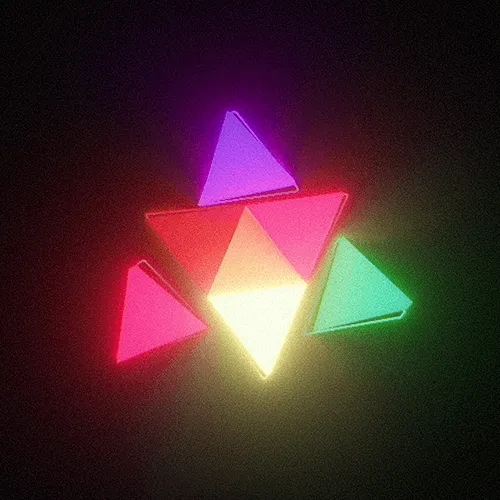
Animating Logos
How to animate a logo using different techniques
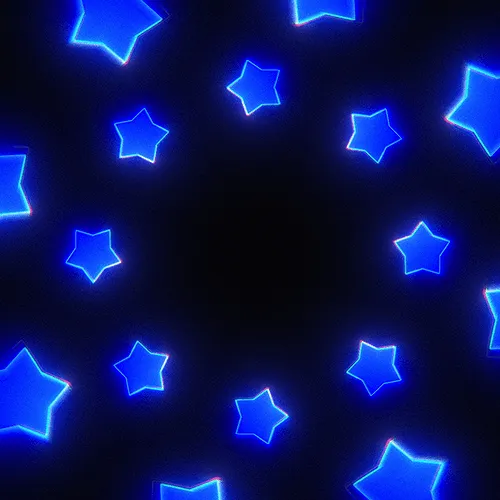
Abstract animations
Animating an abstract scenes using different techniques
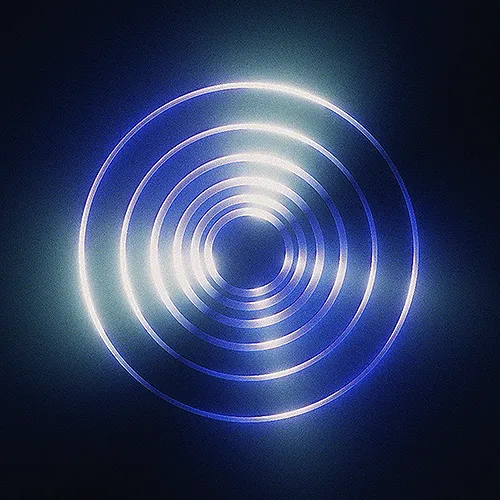
Breakdowns
Breakdown of few of my projects
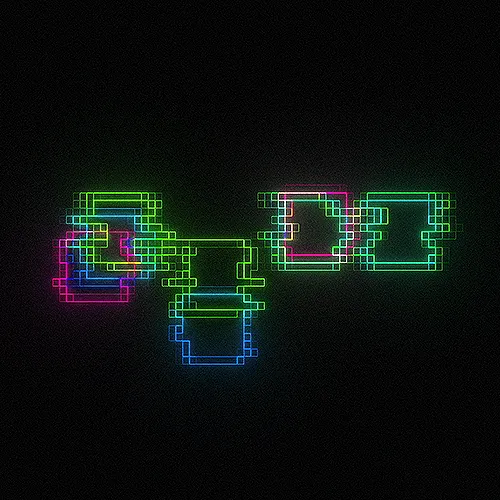
Glitches
Learn how to create glitches & cool displacements
Add Sounds
How to add sounds to your animations
Level up your Motion Design!
Grab lifetime access now and elevate your creations to new heights!
Motion Magic Course
Now$197USD
- Instant access to all modules
- All-in-one package
- Lifetime access
buy now to lock in your price before it goes up!
What’s inside?
Explore the key features and benefits of this course!
Module 01
Basics
- What Software Do I Use
- Adobe After Effects - Basics
Module 02
Creation of Magic Star
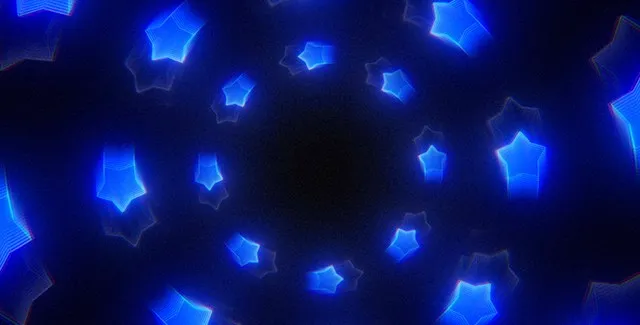
- Basic Animation
- Unlocking the power of Repeater
- Glows & Fake Motion Blur
- Rendering
Module 03
Abstract Logo Animation
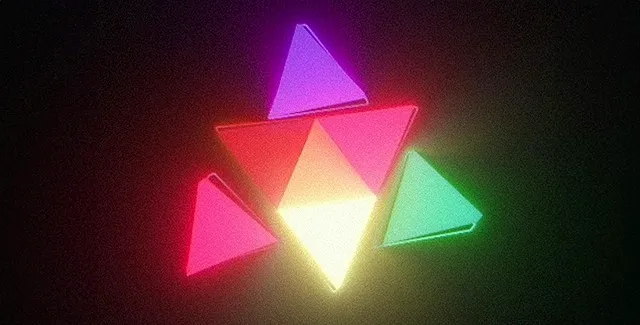
- Preparing Logo in Adobe Illustrator
- Using Overlord
- Animating Logo Mark
- Animating Titles
- Adding Glows and Effects
- Final Render
Module 04
Classy Logo Animation
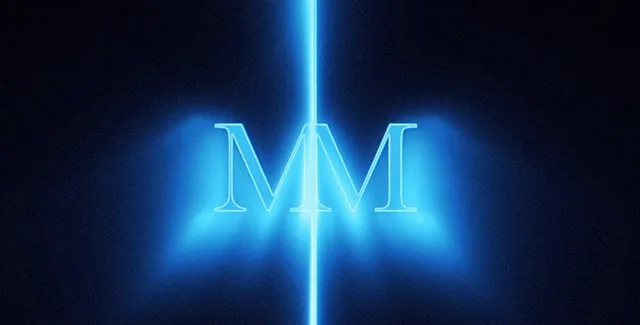
- Preparing Logo in Adobe Illustrator
- Importing Logo to After Effects
- Animating Logo Mark
- Animating Logo
- Adding Glows and Effects
- Adding Final Details
Module 05
Abstract Animation
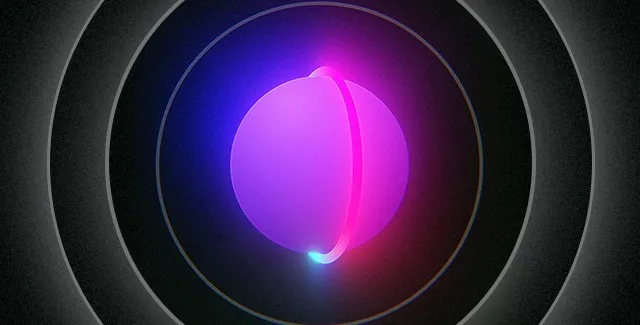
- Animating Abstract Scene
- Adding Glows and Cool Effects
Module 06
Adding Sounds to Animations
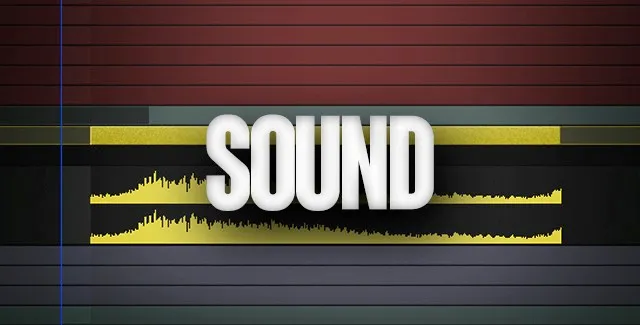
- How to Find Sounds Using Splice
- Free Alternatives
- How to Place Sounds on Timeline
Module 07
Glitches & Displacements
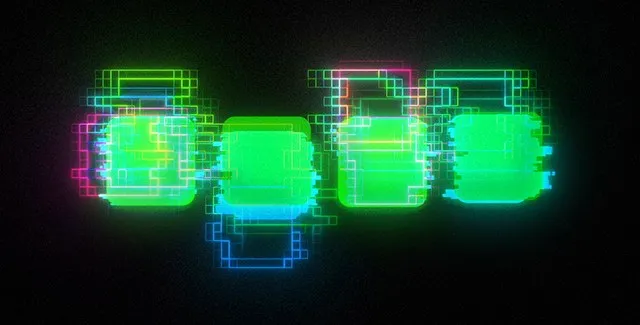
- Creating Glitches / Displacements
- Adding Glows / Chromatic Aberration
Module 08
Fake 3D in After Effects
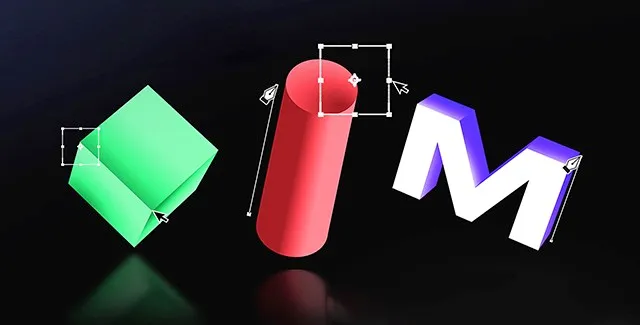
- How to Fake 3D Box
- How to Fake 3D Cylinders
- How to Fake 3D Letters
Module 09
Breakdowns of My Animations
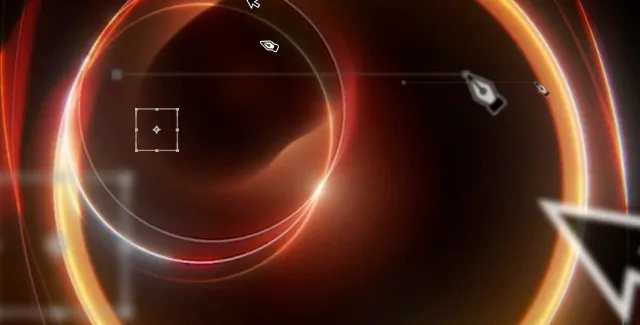
- Breakdown of the Animation #1
- Breakdown of the Animation #2
Module 10
Liquid Logo Animation
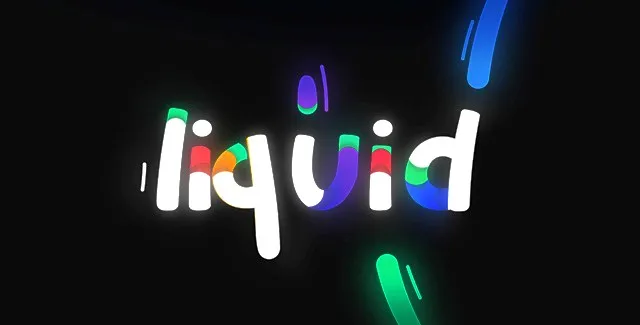
- Preparing and Animating Letters
- Adding Line Strokes
- Adding More Colors
- Small Details
- Glows and Final Details
Module 11
Counter Animation
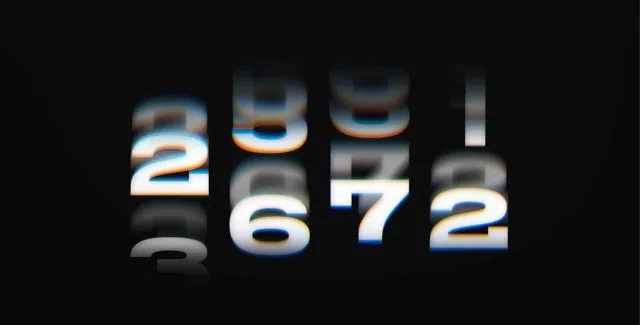
- Animating Numbers
- Mask and Final Details
Module 12
Glitch Transitions
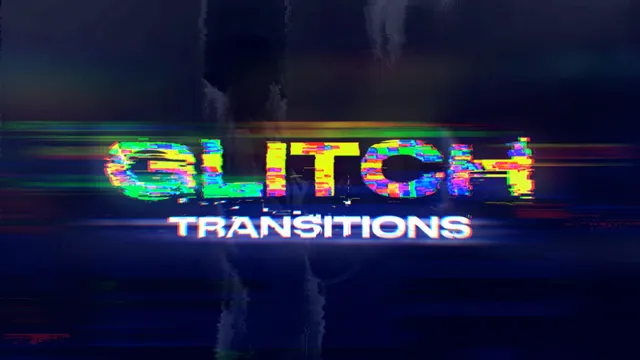
- First Glitch Transition
- Second Glitch Transition
- Third Glitch Transition
Module 13
Magical Pill Animation
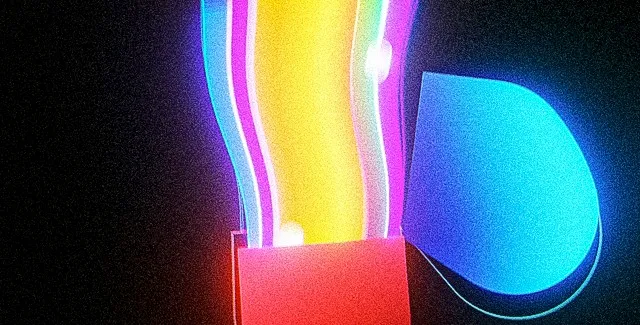
- Creating Shape
- Colors & More Details
- Energy & Particles
- Final Details
Bonus Module 01
BonusMorphing
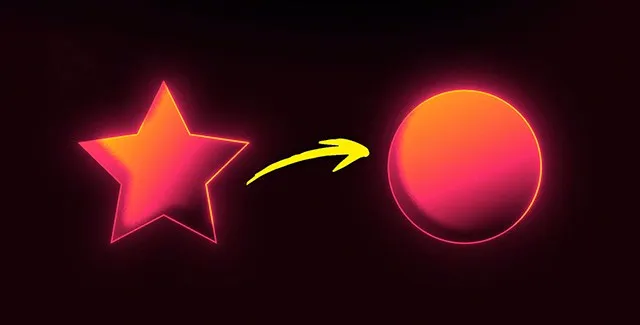
- Easy Way to Morph Shapes
- Complex Way to Morph Shapes
- Shading & Glows
Bonus Module 02
BonusAbstract Animation
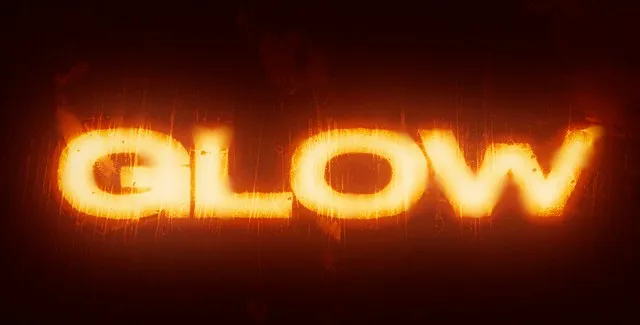
- Use Glow, Camera Lens Blur to Make a Cool Animation!
buy now to lock in your price before it goes up!
Yes! I want to start now!FAQ
Check below the most popular questions
Who is this course for?
This course is for anyone who loves being creative and wants to make things move on screen.
How and when will I get access?
All of the lessons are already there - you'll get instant access to the whole course within 30 seconds after completing your order via email.
What software do I need?
We are going to use After Effects & Deep Glow and a few free plugins which will be mentioned in modules.
Can I join if I am a beginner?
Of course! With every module I try to explain everything as clear as possible. You should be able to recreate everything even if you are a complete beginner!
Which language is the course in?
The whole course is recorded in English language.